How to add Section?
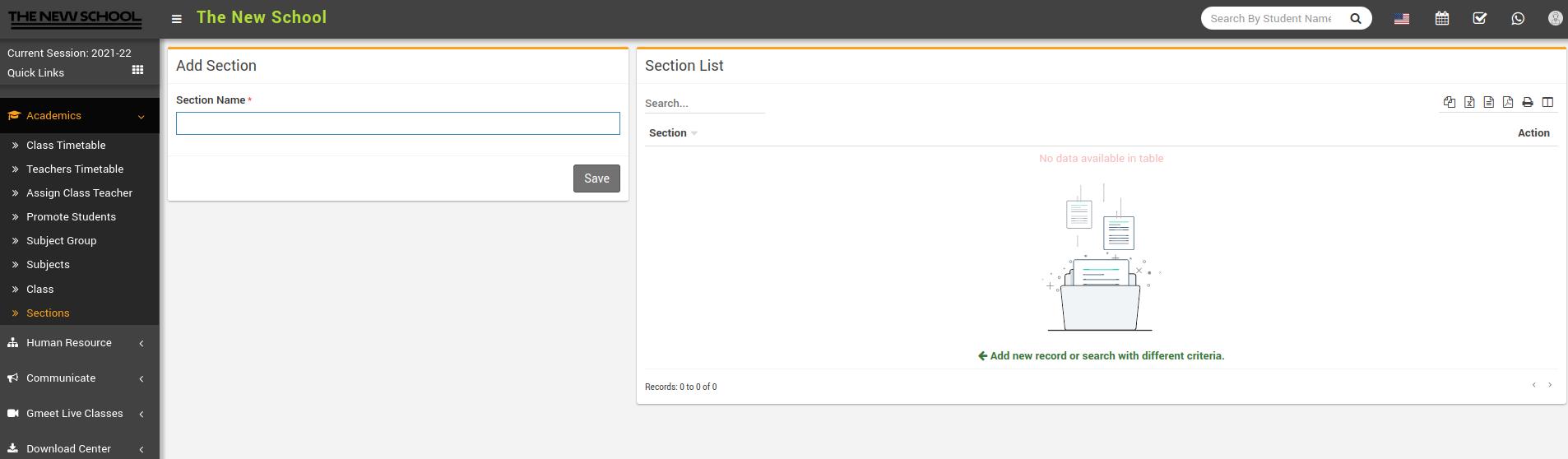
To add section, go to Academics > Sections then enter Section Name and then click on Save button. You can view this added record in the Section List on the right side of the page.
How to add Section?
To add section, go to Academics > Sections then enter Section Name and then click on Save button. You can view this added record in the Section List on the right side of the page.